Your bank statements never touch a server
Starling statement to Excel, offline
Convert Starling PDF bank statements to Excel, CSV, QBO or OFX on your own Mac or Windows PC. Account numbers, balances and every transaction stay on your computer.
Try 20 pages of your own statements free · No card · No sign-up
Founder pricing: 30% off. For the first 100 buyers. Prices go up when v1.1 ships with receipt-to-bank matching. Copy the code and paste it into “Add promotion code” at checkout.
Download your Starling statements
Save the PDF statements from Starling's online banking, or scan paper ones. A whole year at once is fine.
Drop them into PDFZap
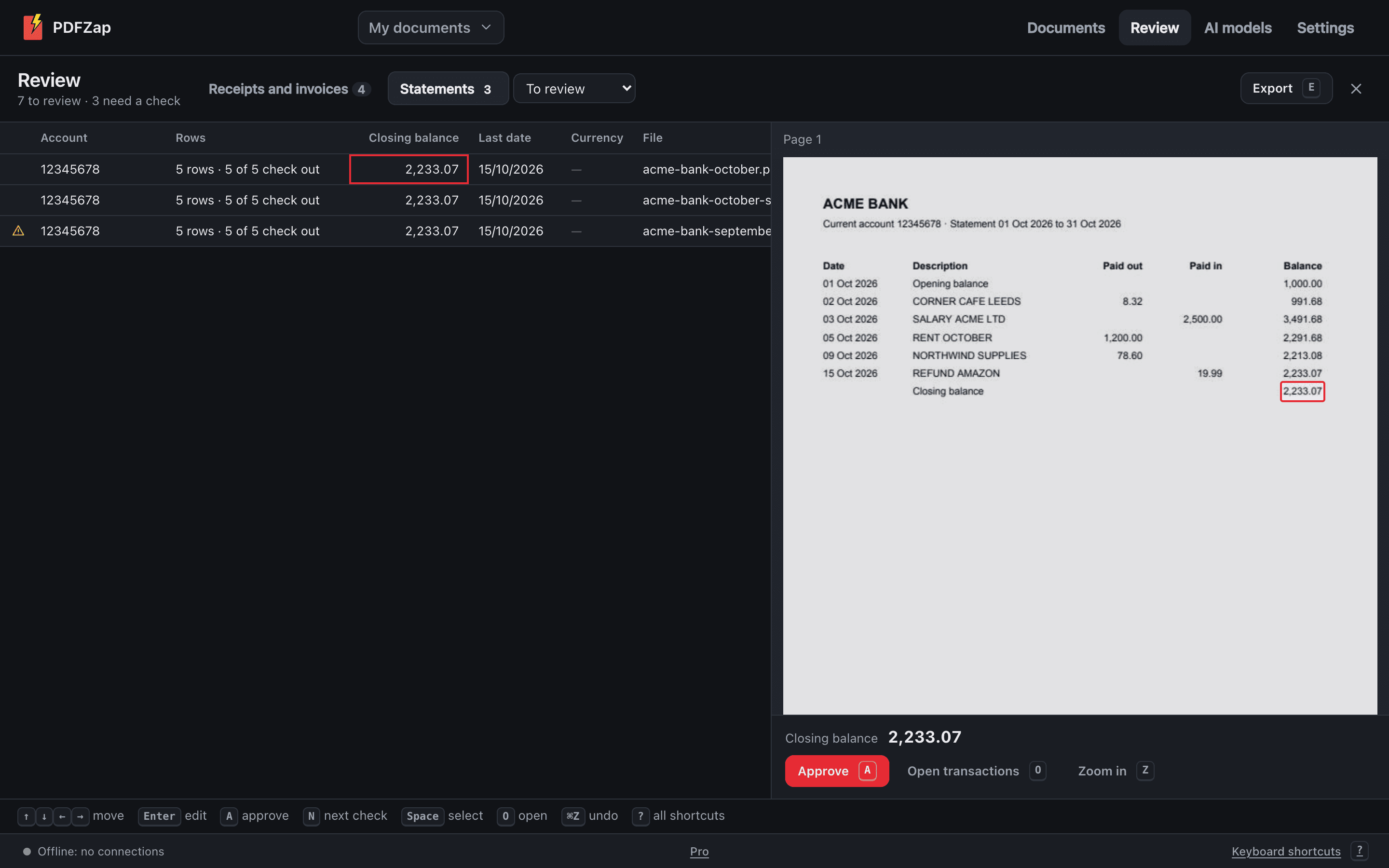
Every transaction is read with its date, description and signed amount, and each running balance is checked against the next.
Export for Xero
Xero bank statement CSV or OFX, plus Excel and CSV. Every row links back to the page it came from.
Why not an online converter?
A Starling statement holds your account number, your balance, your salary, your rent and everyone you pay. Online converters need you to upload all of it to their servers. PDFZap reads it on your computer, with the internet off if you like, so there's nothing to upload, store or leak.
- No template per bank to wait for: PDFZap reads statements by their content
- Every running balance checked; a statement that doesn't add up is flagged, not silently exported
- Scanned and photographed statements read with the built-in OCR
- A one-time price, not a subscription or a fee per page
Statement layouts vary, even within one bank, so don't take our word for it: read 20 pages of your own Starling statements free and see every balance check before you buy. How PDFZap compares with online converters
Other banks in United Kingdom
Bank names are used only to describe the statements PDFZap reads. PDFZap isn't affiliated with or endorsed by any bank.